

Best Collaboration Tools for Medical Office Teams (CMAA Approved)
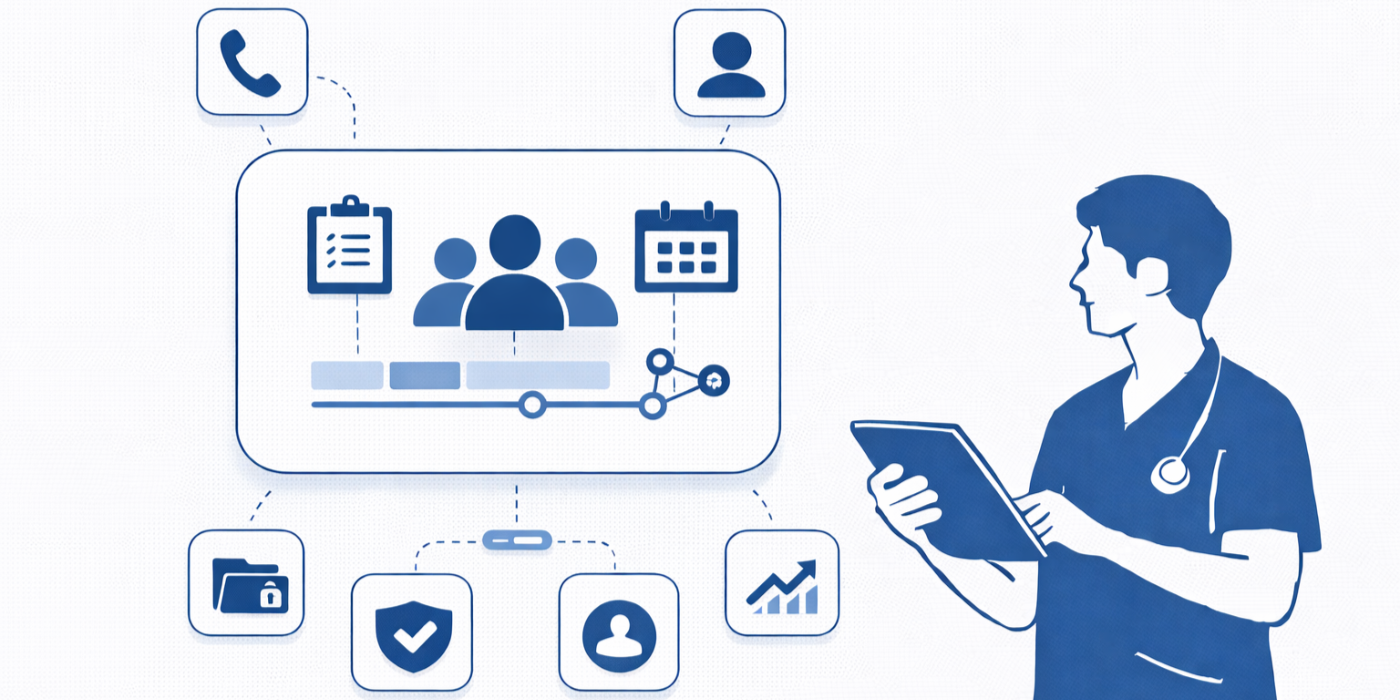
Medical office collaboration breaks down long before a team openly admits it. It usually starts with missed handoffs, duplicate patient calls, unclear message ownership, delayed prior authorizations, scheduling confusion, and front-desk staff carrying the burden of everyone else’s disorganization. In modern healthcare administration, collaboration tools are no longer “nice to have.” They are operational infrastructure. The right tools reduce friction, protect privacy, and help medical office teams move as one coordinated unit instead of a cluster of overwhelmed individuals reacting all day.
For CMAAs and ACMSO learners, that matters because collaboration now sits at the center of patient experience, scheduling accuracy, documentation flow, and compliance discipline. Teams that understand front desk operations, effective patient communication, healthcare portal terms, appointment scheduling best practices, and healthcare CRM terms are far better equipped to choose tools that actually solve daily operational pain instead of adding one more login and one more layer of confusion.
1. Why collaboration tools now define the efficiency of a medical office
In a busy medical office, “collaboration” is not a soft skill floating around in training manuals. It is the practical ability to move accurate information to the right person at the right moment without creating delays, privacy risks, or patient frustration. When collaboration is weak, staff start chasing each other instead of serving patients. The scheduler does not know whether the provider wants a follow-up in two weeks or two months. The billing team does not know whether insurance was verified. The clinical side assumes the front desk already handled consent or intake. The result is not just inefficiency. It is trust erosion. That is why offices that master patient intake procedures, insurance verification, HIPAA and patient privacy terms, empathy in healthcare administration, and de-escalation techniques tend to outperform offices that merely “work hard.”
The best collaboration tools do three things at once. First, they reduce ambiguity by making ownership obvious. Second, they reduce waste by preventing duplicate work and repeated questions. Third, they reduce risk by keeping communication structured, searchable, and limited to the minimum necessary information. That combination matters more than flashy interfaces. A tool is valuable only if it prevents the kinds of breakdowns that poison daily workflows: missed callbacks, forgotten refill requests, rescheduling confusion, undocumented patient portal messages, and staff relying on memory because no one trusts the system. ACMSO learners preparing for modern healthcare roles should connect this directly to medical office automation trends, the future of EMR systems, virtual medical administration, future-proofing your CMAA career, and top 10 skills employers look for in a CMAA.
Medical offices also operate under a brutal reality that many generic productivity articles ignore: the team cannot afford collaboration tools that slow work down in the name of organization. Front-desk staff, referral coordinators, billers, and medical assistants need tools that support quick action under pressure. If a platform takes too many clicks to assign a message, flag a task, verify a patient response, or hand off a documentation issue, people will bypass it. Once that happens, work moves into sticky notes, hallway conversations, personal memory, and unsafe side channels. So the best “CMAA-approved” collaboration tools are not the ones with the most features. They are the ones that make disciplined teamwork easier than chaos. That principle aligns naturally with medical administrative assistants and technology, interactive guides to the medical office of 2025, future healthcare roles for CMAAs, new studies on healthcare efficiency, and career roadmaps from entry-level to medical office manager.
2. The best categories of collaboration tools for medical office teams
The smartest way to choose collaboration tools is by function, not by hype. Medical offices get into trouble when they buy one “all-in-one” product and assume it will magically fix poor communication, weak workflows, and unclear accountability. In reality, the strongest collaboration stack usually combines several categories working together. A team needs one tool for fast secure communication, another for visible task ownership, another for patient-facing coordination, and another for central reference material. This layered approach supports stronger operations across appointment scheduling terms, patient privacy workflows, medical office technology trends, healthcare administration report insights, and future healthcare compliance changes.
Secure internal messaging tools are often the first priority because medical office teams live on real-time communication. Questions come fast: Has the patient completed intake? Did the provider approve the refill? Is the prior authorization pending? Was the referral faxed? A secure internal messaging platform helps answer those questions without relying on random verbal updates. The best options preserve context, allow role-based visibility, and keep conversations searchable. They should reinforce the same disciplined communication habits taught in effective patient communication, front desk operations, HIPAA terms for medical administrative assistants, healthcare portal use cases, and telehealth platform workflows.
Task and workflow management tools are the second core category because communication without ownership is just noise. Offices drown when messages exist but no one knows who must act. A proper task board or queue turns vague requests into accountable work with due dates, statuses, and escalation paths. This matters for referrals, prior auths, follow-ups, document requests, and callback promises. CMAAs who understand insurance verification, patient intake procedures, front desk workflow checklists, career growth guides for CMAAs, and new studies on certified assistants improving efficiency already know how much chaos disappears when ownership is explicit.
Shared knowledge and template systems are equally important because teams lose enormous time reinventing answers. Staff ask the same questions daily about scripts, prep instructions, scheduling rules, insurance requirements, and common patient scenarios. A searchable library of approved answers protects consistency and reduces interruptions. It also makes onboarding dramatically safer. This is especially valuable when combined with learning from how to master medical administrative terminology, CMAA exam breakdowns, essential study tips for exam success, medical office automation opportunities, and future-proof career skills.
Portal, scheduling, and patient-coordination tools round out the best stack because team collaboration does not end inside the office walls. Patients are part of the workflow. If reminders, messages, digital intake, scheduling updates, and follow-up instructions are fragmented, the internal team ends up cleaning up preventable confusion. That is why collaboration strategy should always intersect with appointment scheduling best practices, secure patient scheduling tools, healthcare portal terminology, telehealth regulation changes, and predictive insights on virtual healthcare.
3. What “CMAA approved” should actually mean when choosing a collaboration tool
“CMAA approved” should not mean that a tool is trendy, attractive, or widely used outside healthcare. It should mean the tool supports the real responsibilities of medical administrative assistants without creating new risk. In other words, it must respect the pace, privacy, and complexity of clinical operations. CMAAs do not need apps that impress executives in a boardroom. They need systems that survive Monday mornings, physician schedule changes, upset patient calls, backlogged inboxes, and front-desk interruptions. A tool earns trust when it helps people work accurately under pressure, not when it looks modern in a vendor deck. That standard lines up with medical admin assistant job market outlooks, annual CMAA salary reports, interactive salary calculators, top 10 employer-valued CMAA skills, and real-life success stories from certified medical administrative assistants.
A CMAA-approved tool should have five non-negotiable qualities. It must be easy to learn, because confused staff create workarounds. It must make responsibility visible, because unclear ownership creates delays. It must support privacy discipline, because collaboration without boundaries becomes exposure. It must reduce repeated manual work, because burnout destroys consistency. And it must support cross-role communication without forcing people to abandon their primary systems. Those criteria are far more useful than generic feature checklists. They connect directly to job-readiness topics like medical administrative assistants and technology, how AI will transform medical administrative assistant roles by 2030, why automation is the biggest opportunity for career growth, interactive timelines of regulatory changes, and future specializations for CMAAs.
It is also important to reject the false idea that collaboration tools are mainly for managers. That mindset keeps frontline workers trapped in broken systems they did not choose. CMAAs are often the people who feel the pain first and most intensely. They are the ones dealing with duplicate calls, unclear notes, scattered follow-up requests, missing paperwork, and patients who expect answers that no one documented. So CMAA approval should mean the tool clearly helps the people carrying the operational burden. If it only improves reporting for leadership while making front-desk and coordination work slower, it is not a good tool. It is just another layer of administrative drag. Strong offices avoid that trap by grounding tool decisions in patient communication workflows, de-escalation practice, empathy-based administration, future patient experience leadership roles, and healthcare efficiency research.
4. How the right collaboration tools reduce errors, burnout, and patient frustration
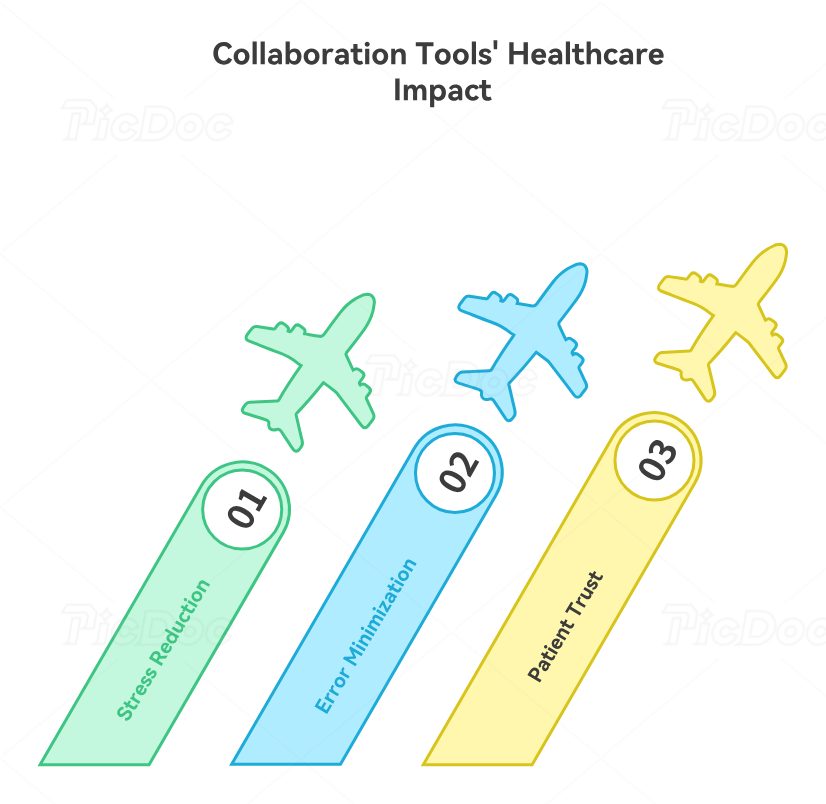
A medical office does not become stressful only because the volume is high. It becomes stressful when work moves unpredictably. Staff can handle a demanding day far better than they can handle a confusing one. Unclear handoffs, lost messages, undocumented promises, and shifting priorities drain more energy than hard work itself. That is why collaboration tools matter so much for burnout. They create predictability. When people know where work lives, who owns it, how to check status, and where to find the right script or process, cognitive load drops sharply. This has direct implications for medical administration workforce trends, annual job market demand reports, career progression and promotion data, technology-driven role evolution, and future-proof CMAA specializations.
Errors also fall when collaboration tools create structured communication instead of vague conversations. Consider a common scenario: a patient calls about a referral, the front desk leaves a note for the referral coordinator, the coordinator waits on the provider, and the patient calls back angry because nobody updated the status. Without a shared system, each person sees only a fragment. With the right tool, the referral sits in a visible workflow with clear ownership, due dates, status notes, and escalation rules. The office does not need more heroic effort. It needs better operational architecture. That is why collaboration tools should be understood alongside front desk operations checklists, insurance verification principles, patient intake procedures, healthcare CRM reference concepts, and portal workflow definitions.
Patients feel these improvements even if they never see the software. They notice when callbacks happen when promised, when intake is not repeated unnecessarily, when portal messages are answered by the right person, and when there is no contradiction between what one department says and another department does. That consistency is a trust signal. It communicates competence. In healthcare administration, competence is emotional. Patients do not experience it as a KPI. They experience it as relief. They stop wondering whether their request disappeared. They stop feeling they must chase the office to get basic follow-through. That is why the best collaboration tools improve not just operations, but the entire emotional tone of patient interaction. ACMSO readers can deepen this perspective through effective patient communication, empathy in healthcare administration, de-escalation techniques, future patient experience roles for CMAAs, and virtual medical administration workflows.
5. Best-practice recommendations for choosing collaboration tools that actually work
Start with workflow mapping, not vendor comparisons. Before a medical office evaluates any tool, it should identify where collaboration currently fails. Is the biggest issue task ownership, message routing, referral follow-up, scheduling handoffs, policy confusion, or cross-location communication? Too many teams buy software based on general promises when the real problem is highly specific. A task board will not fix a knowledge-base problem. A messaging app will not solve missing process documentation. A shared inbox will not fix poor intake workflow. Diagnosis must come before tool selection. This kind of disciplined assessment is strengthened by studying medical office automation trends, future healthcare compliance preparation, technology guides for CMAAs, emerging technologies every CMAA must prepare for, and how automation supports career growth.
Next, insist on live workflow demonstrations. Do not accept generic product tours. Ask vendors or internal stakeholders to show exactly how a refill request is routed, how a callback is assigned, how a referral is tracked, how an urgent issue is escalated, and how a new employee finds the right script for a difficult patient interaction. The more realistic the demo, the easier it becomes to separate useful tools from polished distractions. Good tools reduce friction inside real situations. Weak tools look good only when nobody is rushed. This evaluation mindset pairs well with top skills employers look for in a CMAA, career opportunity guides, healthcare efficiency studies, 2026 healthcare administration insights, and career roadmaps from entry-level to leadership.
Finally, build around behavior, not just software. Even the best collaboration tool fails if staff are not trained on what belongs where. Offices need simple rules: where urgent work goes, where policies live, how status updates are written, how handoffs are documented, and when escalation happens. Tool success depends on workflow discipline. The ideal system makes that discipline easier, but the office still has to define it. The strongest teams use collaboration tools to standardize excellence rather than just digitize disorder. That is the real difference between offices that constantly feel behind and offices that feel coordinated even under pressure. Career-focused learners should tie that principle to CMAA exam preparation, exam-day checklists, study strategies for terminology mastery, essential study tips, and complete exam breakdowns.
6. FAQs
-
There is rarely one single tool that solves everything. The most important starting point is usually a secure system that combines communication with visible task ownership. Without that, messages float around the office with no accountability. Teams that understand front desk operations, effective patient communication, appointment scheduling practices, patient intake procedures, and insurance verification usually recognize quickly that communication alone is never enough.
-
Only if they fit healthcare realities. Generic apps often fail when they lack role-based privacy controls, patient-related workflow context, or clear rules for routing operational work. A useful tool must support structured, secure collaboration rather than casual conversation alone. That is why offices should weigh them against knowledge from HIPAA and patient privacy terms, healthcare portal workflows, telehealth platform use cases, medical office automation trends, and future compliance changes.
-
They reduce missed handoffs, repeated questions, contradictory staff responses, and delayed follow-ups. Patients feel the difference when the office appears coordinated rather than fragmented. Better collaboration produces faster answers and fewer dropped requests. This connects strongly to empathy in healthcare administration, de-escalation techniques, patient communication workflows, patient portal terminology, and how CMAAs lead the patient experience revolution.
-
Ask how the tool handles ownership, urgent escalations, searchability, staff permissions, training, policy documentation, and integration with existing scheduling or intake workflows. Most importantly, ask whether it reduces real daily friction for frontline staff. Offices should compare tool choices through the lens of technology reports for CMAAs, interactive career planning resources, healthcare efficiency studies, job market outlooks, and career progression data.
-
Because modern medical administration is no longer just about answering phones and booking appointments. It is about coordinating systems, information, people, and patient expectations without letting details fall apart. A CMAA who can strengthen collaboration becomes more valuable, promotable, and future-ready. That is why this topic ties directly to career roadmaps, salary reports, certification-driven career opportunity growth, future-proof career skills, and emerging CMAA specializations.
